
- Online only
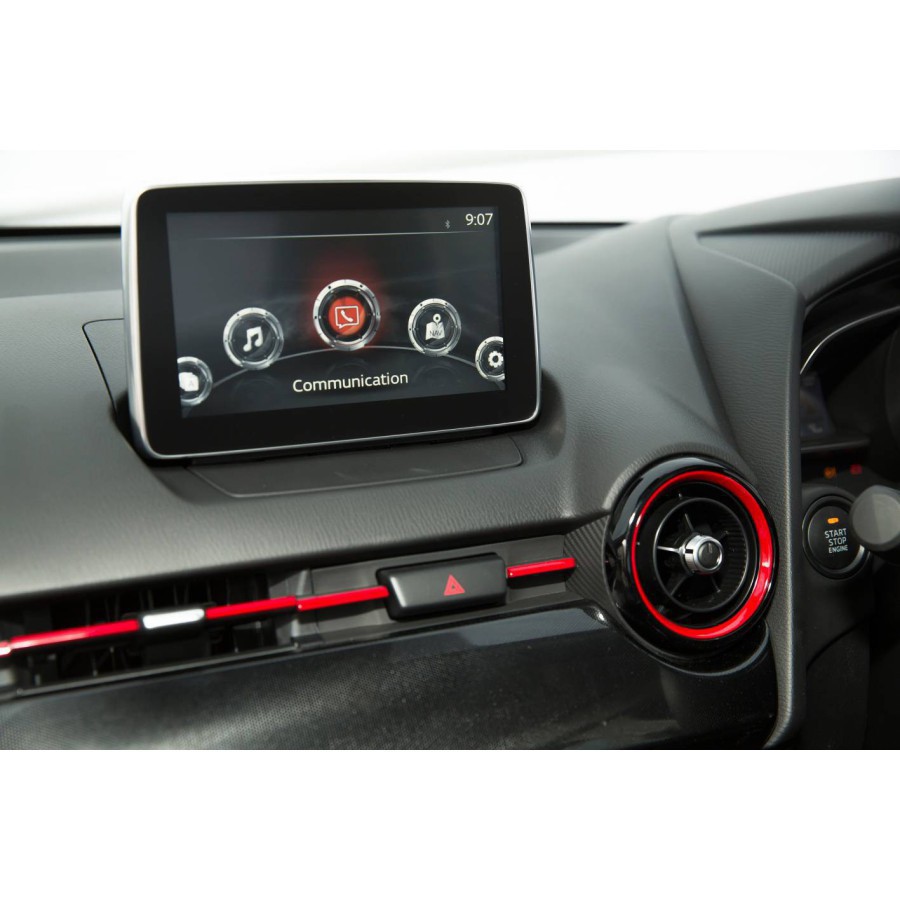
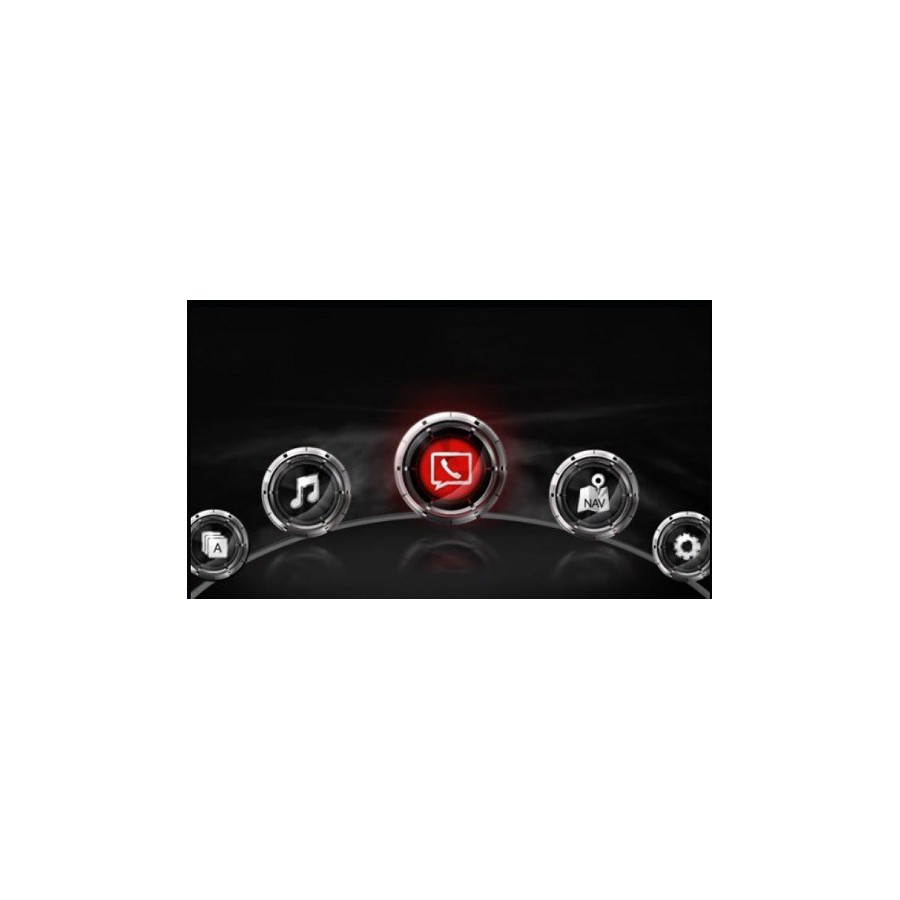
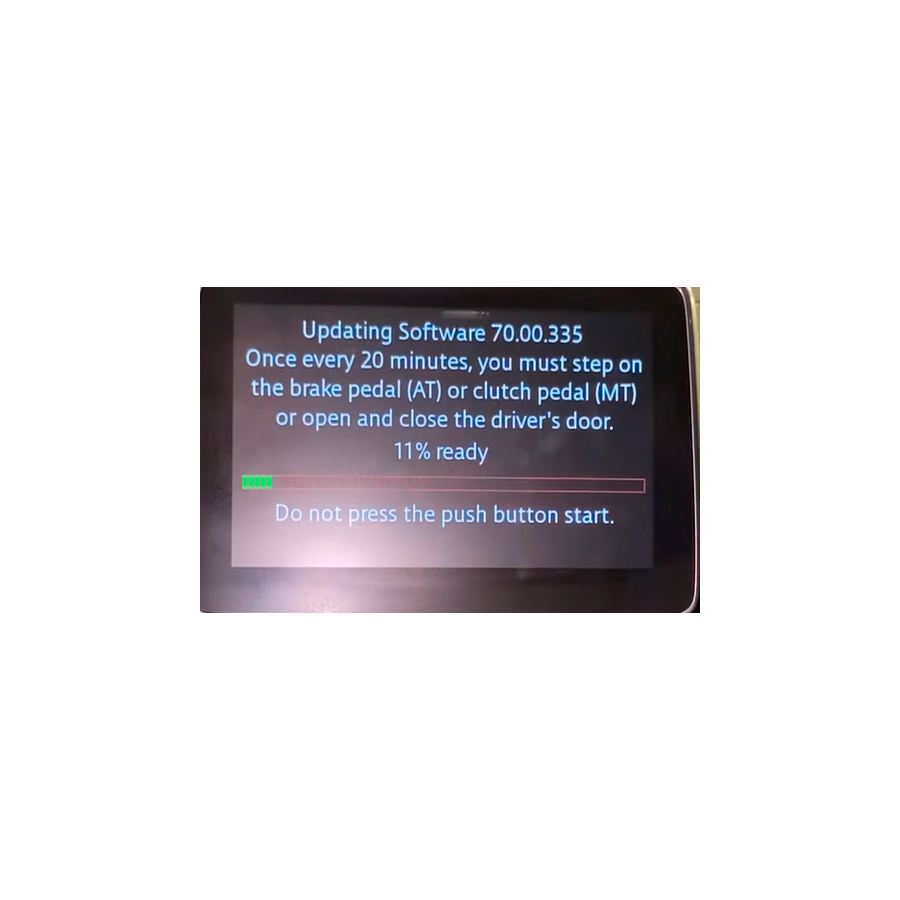
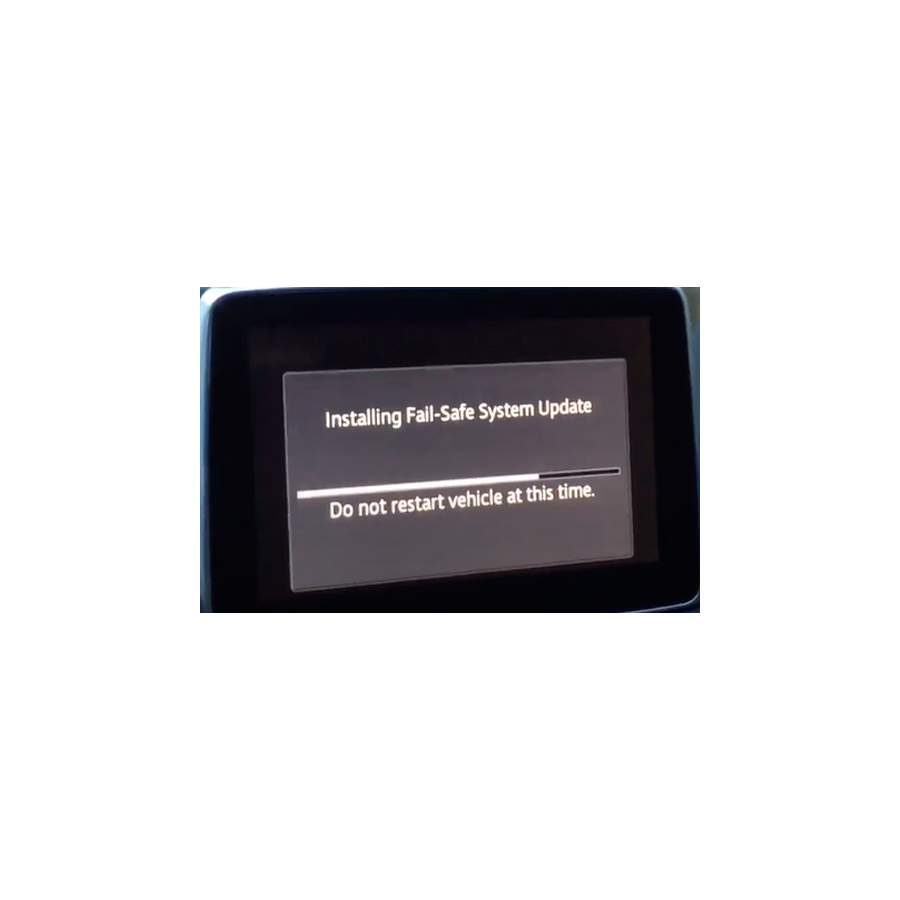
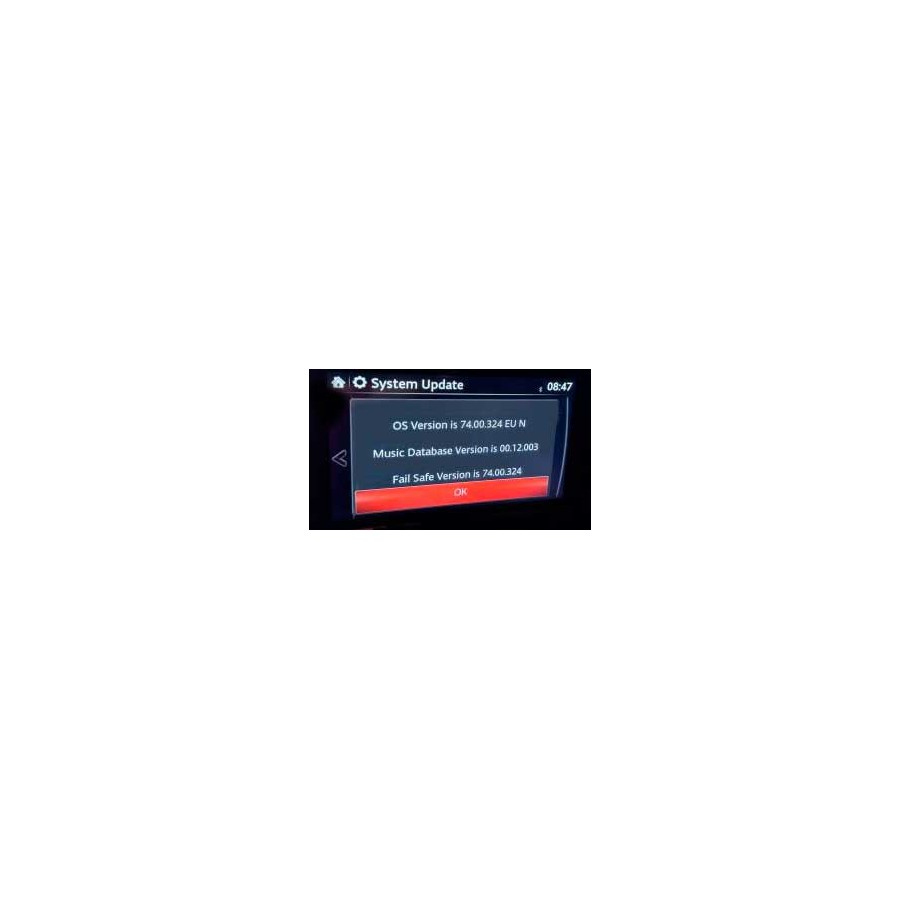


Release = "74.00.324 EU N"
Apple Carplay and Android Auto compatibility
Firmware Region: Europe
Media Format: USB
Product customization
Don't forget to save your customization to be able to add to cart
Terms and Conditions

Where is my purchase?

Return policy
Our Privacy Policy explains our principles when it comes to the collection, processing, and storage of your information. This policy specifically explains how we employ cookies, as well as the options you have to control them.
Cookies are small pieces of data, stored in text files that are stored on your computer or other device when websites are loaded in a browser. They are widely used to "remember" you and your preferences, either for a single visit or for multiple repeat visits
We use cookies for a number of different purposes. Some cookies are necessary for technical reasons; some enable a personalized experience for both visitors and registered users; and some allow the display of advertising from selected third party networks.
Visitors may wish to restrict the use of cookies or completely prevent them from being set. If you disable cookies, please be aware that some of the features of our service may not function correctly
We only collect information about you if we have a reason to do so-for example, to provide our services, to communicate with you, or to make our services better.
We are committed to maintaining the trust and confidence of our website visitors. We do not collect, sell, rent or trade email lists or any data with other companies and businesses. Have a look at our Privacy Policy page to read detail information on when and why we collect your personal information, how we use it, the limited conditions under which we may disclose it to others and how we keep it secure.
We may change Cookies and Privacy policy from time to time. This policy is effective from 24th May 2018.
If your Mazda has a firmware version less than or equal to 59.00.XXX, for example 31.00.100A, 41.00.000, 55.00.650, or 56.00.100C, you must first update to version 70.00.100A.
To do this, choose the purchase option, Mazda Connect Firmware Update 70.00.100A + 74.00.324 EU.
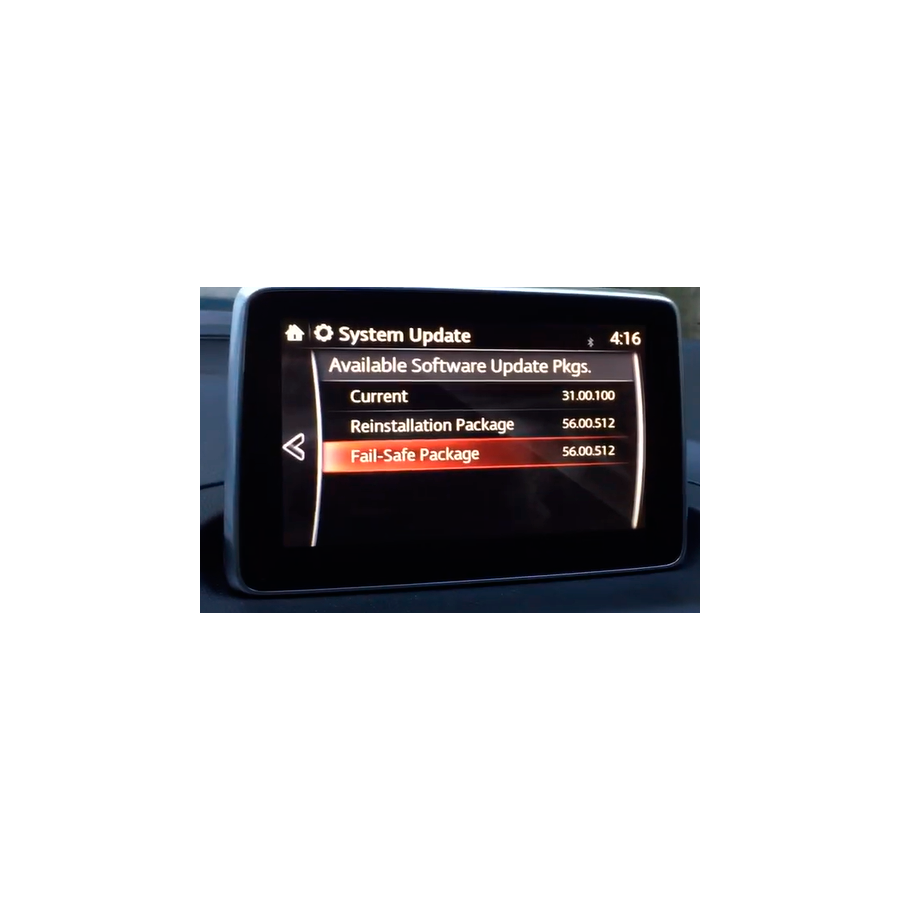
Check the software version. On the touchscreen, go to 'Settings' → 'System' → 'About' and select 'Version Information'.
You can use this firmware with Mazda vehicles from Europe, North America, and Japan to access all European languages and features for European cars.
NOTE: Some existing Japanese features will not work.
Now you too can activate the Mazda Connect touchscreen while driving. Compatible with Apple CarPlay and Android Auto. See here.
Please ask without obligation before purchasing, we are happy to help.
All updates are original MAZDA files OEM.
Compatibility: Compatible with Mazda cars with touch screen navigation system.
*Not compatible with the following vehicles:
Mazda CX-5 (since 2020 Mazda Connect System 2) with 10.25 inch / 26 cm screen
Mazda CX-5 (since 2020 Mazda Connect System 2) with 10.25 inch / 26 cm screen
The most recent and final update at this time is 74.00.324A. This firmware version/format (.up) will not be installed on new Mazdas. You must use the correct region for your Mazda, as detailed below. 74.00.324A EU N for Europe.
Albania, Andorra, Austria, Belarus, Belgium, Bosnia, Bosnia Herzegovina, Bulgaria, Croatia, Czech, Denmark, Estonia, Finland, France, Germany, Gibraltar, Greece, Hungary, Ireland, Israel, Italy, Kazakhstan, Kosovo, Latvia, Liechtenstein , Lithuania, Luxembourg, Macedonia, Malta, Moldova, Monaco, Montenegro, Netherlands, Norway, Portugal, Poland, Romania, Russia, San Marino, Serbia, Slovakia, Slovenia, Spain, Sweden, Switzerland, Turkey, Ukraine, United Kingdom, Vatican .
Known as 'EU N' on your touch screen.
If you have questions, don't hesitate to ask, we are happy to help.
This is a direct download purchase. You receive the instructions at the time of payment.
With this update, 74.00.324, you can have USB-C.
This firmware doesn't allow you to use Apple CarPlay or Android Auto, but it does allow you to have them if you update your car's USB module.
This can be done by your local dealer.
We recommend the USB-C and USB-A modules (wireless isn't very useful, as you'll need to charge the device, and a USB connection is better).
Error correction
The following symptoms can be improved with the latest software (Ver. 74.00.324). Improved symptoms depend on current software versions.
- Temperature warnings appear frequently on the central screen.
- The time displayed on the center display may be inaccurate.
- The Traffic Sign Recognition (TSR) system may display incorrect speed limits.
- When using CarPlayTM, the sound may not come from the driver's side speaker.
- [Mazda6 (VIN 600001-TBD)] The center screen changes to a black screen because the screen turns off. (Greater refinement)
- The CMU® Update Package includes an update package for Gracenote.
- With the improved software, the "System Update" menu on the screen shows "Upgrade Package" instead of "Reinstallation Package". The “Security Package” has been removed.
- The brand icon on the CarPlay screen has been updated thanks to improved software.
- Thanks to better software, the font and layout of texts such as i-stop, i-ELOOP and average fuel consumption have been improved.
- A white dot appears in the status bar of the main screen.
- [MX-5 RF] During a Bluetooth call, the person on the other end hears a strange, echoing voice.
- [Mazda6 (VIN 600001-TBD)] The center screen changes to a black screen because the screen turns off.
- [UK] In the LAS and LDWS settings menu, “Rumble” is displayed as “Rumbl”.
- Screen off settings are not saved when the power switch is turned off and on before the CMU goes into sleep mode.
- When a certain language that uses Cyrillic is selected and USB is selected as the audio source, the index list of the song or artist screen displays the incorrect symbol for "b".
- [Ukraine] The keyboard shows an incorrect description for the space bar.
- [V59.00.502 and later] When playing audio files on USB flash drives, it may take too long to start playback.
- When the radio is selected as the audio source and a Bluetooth call ends, the radio plays for a very short period of time, even if it is turned off.
- After starting the engine, the navigation screen is locked in the charging state.
- When USB is selected as the audio source, if you switch to reverse to display the rear monitor during data transfer from the USB device, switching to drive mode moves the screen to the main screen instead of the audio screen USB.
- When using EU 17Q2 or earlier map data, the speed camera voice message may not sound in certain locations. (With improved software, customers need to update their map data to a newer version.)
- If the performer is selected using a voice command for USB audio, the incorrect performer's album may be selected.
- After parking, the current location on the navigation screen may not change until the ignition is turned off and on again.
- [Android Auto used in south latitude or west longitude] When ACC is activated or the engine is running in an area where GPS signal is not available, such as navigation, weather forecast, etc., the current location displayed may be incorrect . When the GPS signal is available, the correct current location will appear. (Except CarPlay).
Note: This is a virtual product. You will receive the link and instructions once payment is received. Please note that there is no refund option for this item. We guarantee the proper functioning of this item.
Where is my purchase?
Direct Download Purchases.
At the time of payment you will receive an email with instructions.
If you do not see the email in your email folder, check your spam folder.
You can access your purchase in your Web User Panel, in the MY DOWNLOADS Section you have access to your purchases.
If you have problems, you have not received the email... do not hesitate to ask at info@euronavmaps.com
Physical Shipments.
- Packages are generally sent within 24/48h. after receipt of payment and are sent through TIPSA/CORREOS ESPAÑA with tracking and delivery with signature. We will provide you with a link to track your package online.
- All modules are shipped tested, so they are generally shipped within 48 hours.
- Normally customers receive the package in 3-15 days. But sometimes there may be short delays.
- Shipping costs include handling and packaging costs. We recommend that you group your items into one order. We cannot group two different orders placed separately and shipping rates will apply to each of them. Your items are well protected.
Non-compliance with the delivery time.
If you do not receive the products within 30 days, or within the agreed period, you must notify the seller.
If at the end of this period the seller has still not delivered the product to you, then you have the right to cancel the contract or a refund. For more information, read the European regulations on shipping and returns.
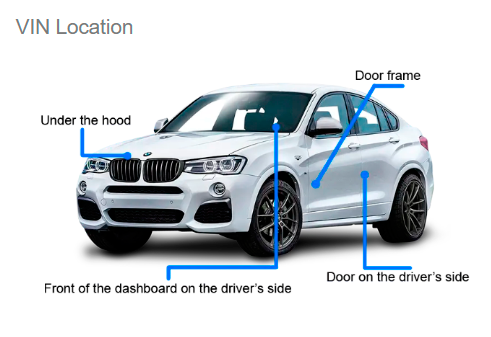
What is VIN? Vehicle Identification Number is the car identification number. It is the chassis number of the car.
The VIN is located on the VIN plate located just below the windshield. The VIN can also be found on the label on the driver's side door frame and on documents related to the vehicle's registration, title, and insurance.
Is the car warranty lost when installing Carplay/Android adapters?
The adapter installation procedure is very simple. The connection is Plug & Play type without the need to cut any original cables. Therefore, initially there is no risk of losing the warranty.
iPhone phones compatible with CARPLAY.
Check here, https://www.apple.com/es/ios/carplay/available-models/
Which Android phones are compatible with Android Auto.
Check here, https://www.android.com/intl/es_es/auto/compatibility/#compatibility-vehicles
Direct Download Purchases.
For direct download purchases it is recommended to use computers with Windows operating system. If you are a Mac user, it is important that you contact us before making the purchase.
For direct download purchases, a minimum of knowledge of using computers, downloading and decompressing files is required... It is simple, but not all people know how to do it.
It is recommended to use a good quality USB or SD card. Using poor quality USB or SD card can influence errors in the unit update process.
Use a good quality USB or SD card, Kingston brand for example.
It is recommended to use the free 7Zip tool to unzip the downloaded files. https://www.7-zip.org/
Shipments are made in 1/24h. As a general rule it is sent in 1/6h.
- Virtual products are non refundable once purchased. If you do not agree to this, please do not place an order.
- We offer remote support, but remote assistance is not available for virtual products unless specifically requested beforehand. If you do not agree to this, please do not place an order.
Physical Shipping.
Shipments are sent within 24/48 hours, usually they are sent within 24 hours.
Delivery time depends on the destination country, for example France, Germany, Italy, usually delivers in 3/7 business days.
For Spain and Portugal delivery in 1/5 business days.
For Netherlands, Denmark, Switzerland, Sweden... usually delivered in 3/10 business days.
What is an OEM product?
OEM (Original Equipment Manufacturer) products are manufactured items.
An original equipment manufacturer, OEM is a company that manufactures and sells products or parts of a product that any company sells to its own customers.
Shipping & Returns.
Read the shipping and returns policies.
Disclaimer: What you see here is provided by manufacturers, suppliers and others. Product packaging and material may contain different information provided on the website, including the product description.
Consult before purchasing.
If you have questions about choosing your purchase, do not hesitate to ask, we are happy to help.
Warning.
Performing the Carplay/Android Interface Box installation procedure may cause permanent damage to your car. Do this at your own risk! We are not responsible for any loss or damage.
All trademarks and logos reproduced on this website are the property of their respective owners. They are not responsible for the sale of the products for sale on this website. We are not authorized to act as an official distributor or representative. We are independent specialists, we are not part of the manufacturers reproduced on this website.
Apple and iPhone are trademarks of Apple Inc., registered in the US and other countries. Apple CarPlay is a registered trademark of Apple Inc.
Android, Android Auto, Google Maps, Google Assistant are trademarks of Google LLC.
Advantages of Buying at EURONAVMAPS.COM
- Personalized Advice; Excellent customer service can help you choose the right product for your needs.
- After-Sales Support; In case you encounter problems with the software or its installation, having accessible equipment can be very helpful.
- Trust and Security; The peace of mind of knowing you are making a purchase in a secure environment increases customer satisfaction.
Office / Workshop Hours.
Monday to Thursday: 8:00 a.m. to 1:00 p.m. - 4:00 p.m. to 7:00 p.m.
Friday: 8:00 a.m. to 2:00 p.m.
Workshop hours: Monday to Friday, 8:00 a.m.–6:00 p.m. GMT +1
Saturday and Sunday, Closed.
Release = "74.00.324 EU N"
Apple Carplay and Android Auto compatibility
Firmware Region: Europe
Media Format: USB