
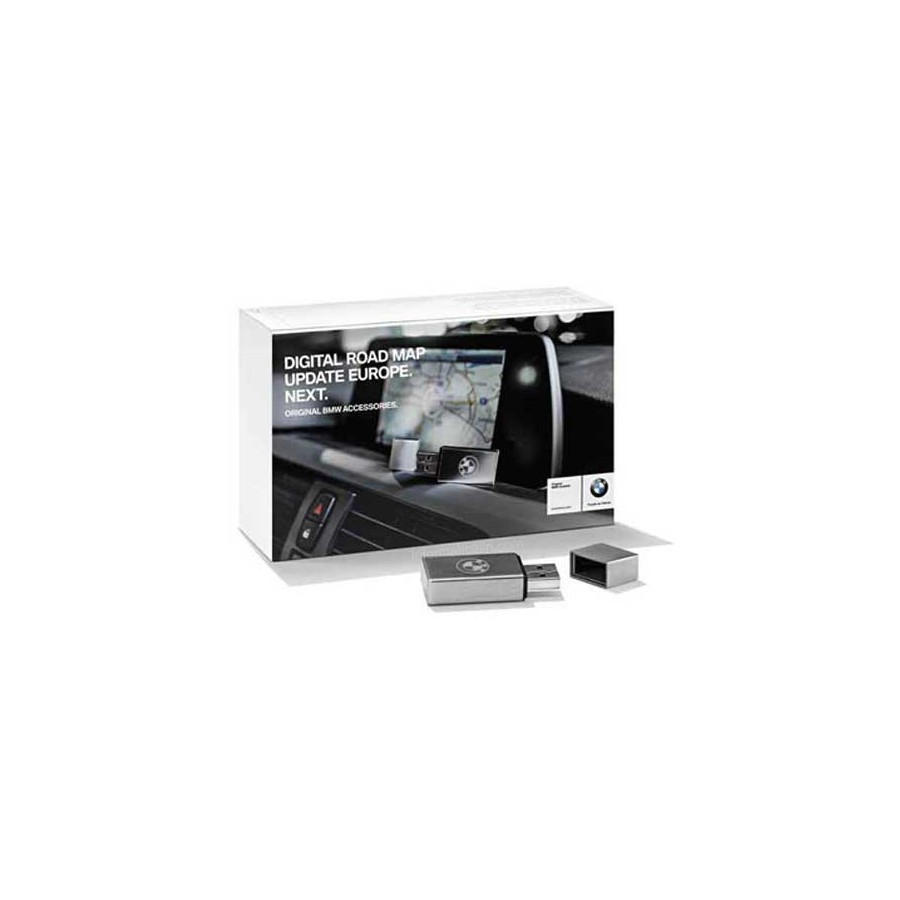
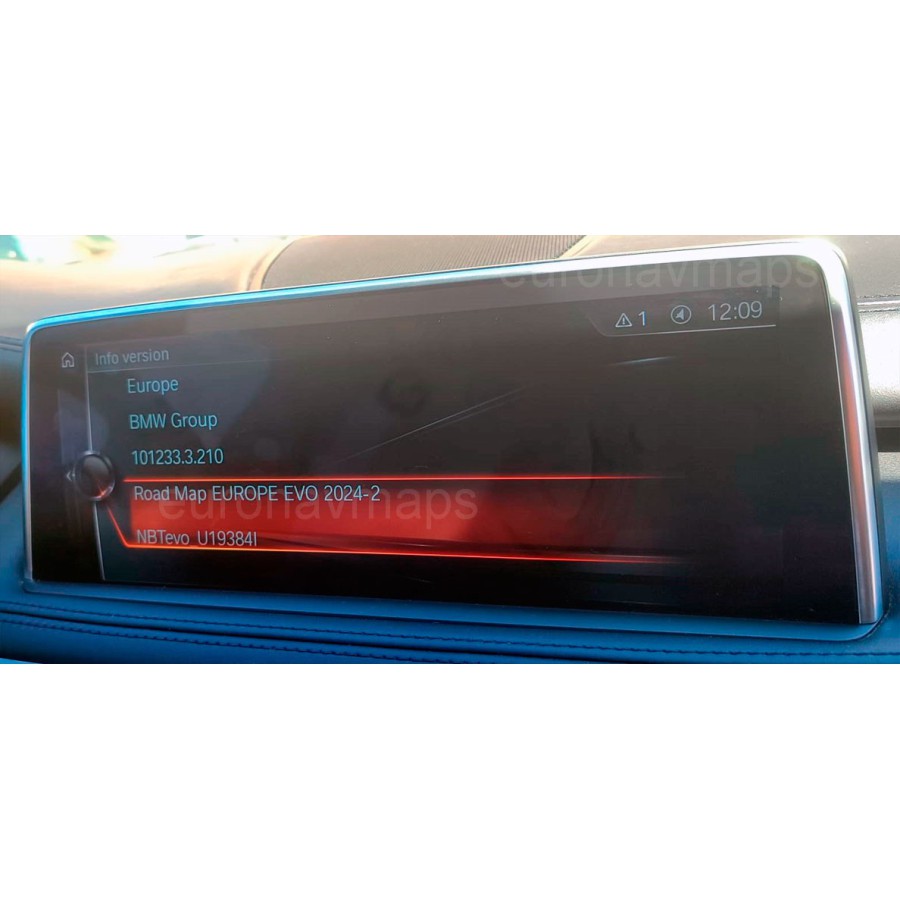


BMW Road Map Europe EVO 2026-1
Part Number: NAVD_000024A8_255_001_098
EVO = Navigation PROFESSIONAL = SA609 = grosser Bildschirm = HU-H2 NBT2/EVO
Formato USB 64Gb: ExFat
Includes FSC/Activation Lifetime code
Product customization
Don't forget to save your customization to be able to add to cart
Terms and Conditions

Where is my purchase?

Return policy
Our Privacy Policy explains our principles when it comes to the collection, processing, and storage of your information. This policy specifically explains how we employ cookies, as well as the options you have to control them.
Cookies are small pieces of data, stored in text files that are stored on your computer or other device when websites are loaded in a browser. They are widely used to "remember" you and your preferences, either for a single visit or for multiple repeat visits
We use cookies for a number of different purposes. Some cookies are necessary for technical reasons; some enable a personalized experience for both visitors and registered users; and some allow the display of advertising from selected third party networks.
Visitors may wish to restrict the use of cookies or completely prevent them from being set. If you disable cookies, please be aware that some of the features of our service may not function correctly
We only collect information about you if we have a reason to do so-for example, to provide our services, to communicate with you, or to make our services better.
We are committed to maintaining the trust and confidence of our website visitors. We do not collect, sell, rent or trade email lists or any data with other companies and businesses. Have a look at our Privacy Policy page to read detail information on when and why we collect your personal information, how we use it, the limited conditions under which we may disclose it to others and how we keep it secure.
We may change Cookies and Privacy policy from time to time. This policy is effective from 24th May 2018.
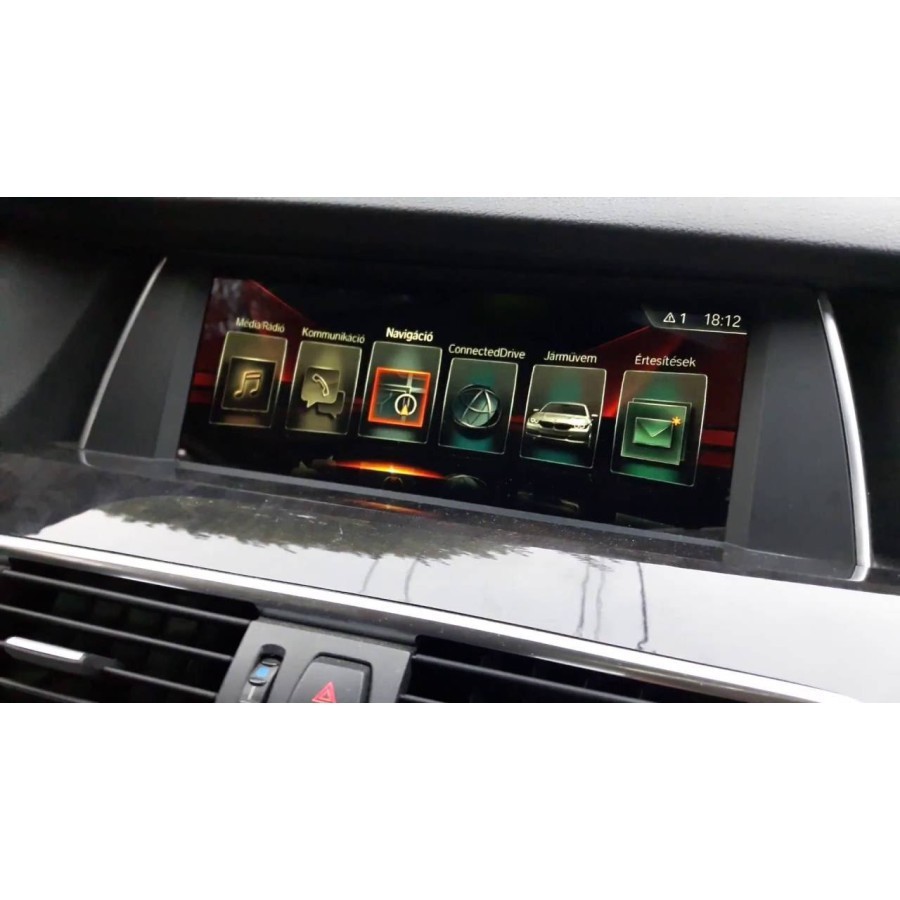
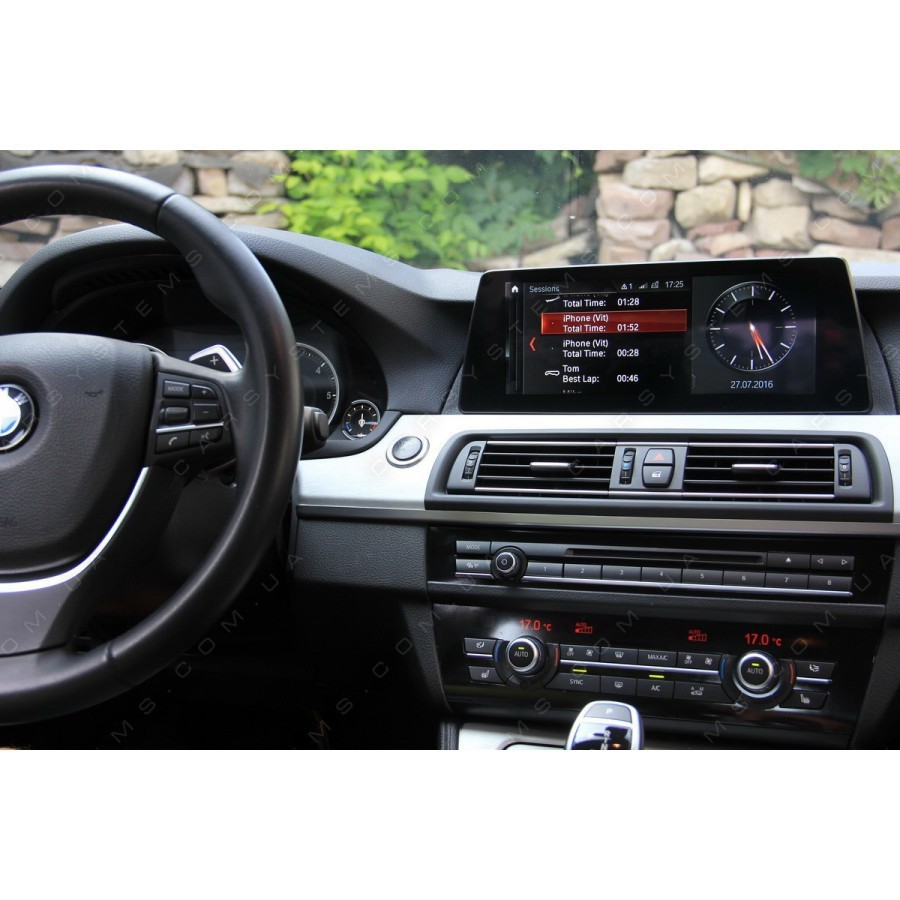
Valid for BMW/MINI systems with EVO NBTevo navigation system. Integrated satellite navigation system on internal hard drive.
It is necessary to attach a photo with the installed software version.
To view the map version; Go to “Navigation” → Choose “Map” → Press the Options button → Select “Navigation settings” → Scroll down to “Position and version” → Select “Version information”.
To view the software version; Select My Vehicle -> iDrive Settings -> Software Update -> Show current version.
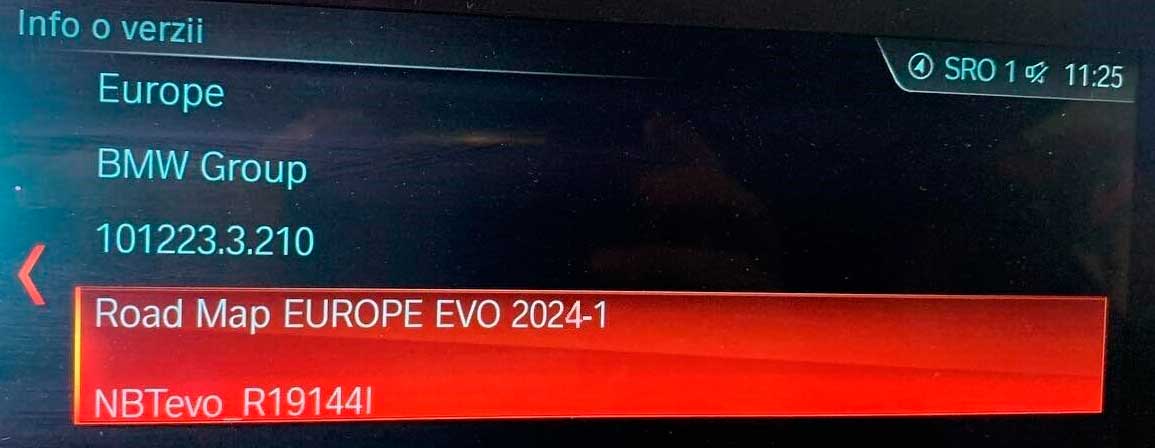
Compatibility:
You must specify in your order the VIN number of your car.
Please enter your VIN number in the order comment. After payment, you will receive a map download link and an activation code.
Coverage: Andorra, Austria, Belgium, Czech Republic, Denmark, Finland, France, Germany, Gibraltar, Hungary, Ireland, Italy, Liechtenstein, Luxembourg, Monaco, Netherlands, Norway, Portugal, San Marino, Spain, Sweden, Switzerland, Turkey, Ukraine, United Kingdom and Vatican City.
Partial coverage: Belarus, Bulgaria, Croatia, Estonia, Greece, Latvia, Lithuania, Poland, Romania, Russia, Slovakia and Slovenia.
Main road: Albania, Bosnia & Herzegovina, Macedonia, Moldova, Montenegro and Serbia.
Update process ID4:
- You need a 64GB USB formatted in exFAT to install new maps.
- Once the maps are loaded on the USB, go to the car.
- To start the engine.
- Plug the USB drive prepared with the maps into the car USB port.
- A window will appear requesting code entry, enter the map activation code and wait for the installation to complete.
FAQ.
- A Windows computer is required for this process. If you are a Mac user, contact us before purchasing.
- For direct download purchases, basic computer knowledge is required, it is easy to download, decompress the file and copy to a USB key.
- The instructions are detailed and easy to follow, but we will provide full support if you have any problems.
Additional Information.
Instructions ID4.
Credits: Cars of Sweden live
VIN Location
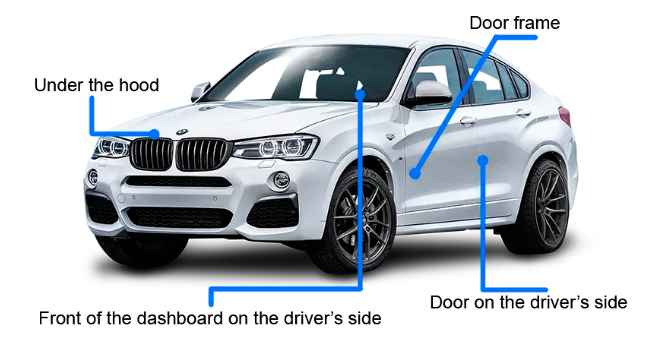
Once the FSC code is generated there is no return option for this item.
Note: This is a virtual product. The activation code will be sent to you within 1/24 hours. Normally delivered within 1/4 hours.
BMW Road Map Europe EVO 2026-1
Part Number: NAVD_000024A8_255_001_098
EVO = Navigation PROFESSIONAL = SA609 = grosser Bildschirm = HU-H2 NBT2/EVO
Formato USB 64Gb: ExFat
Includes FSC/Activation Lifetime code