
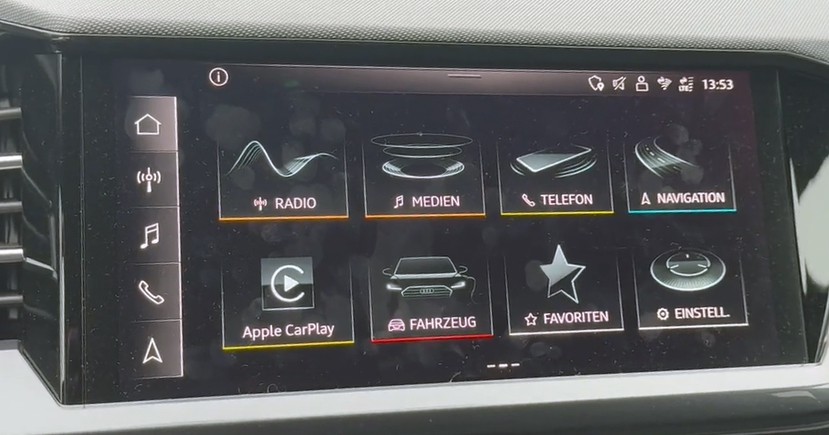
Audi MMI Touch MIB3 High- MIB3 Premium
Latest posts
Blog categories
Search in blog
Archived posts
Audi MMI Touch MIB3 High- MIB3 Premium
Update and change región; Europe - USA - Japan - Taiwan - China - Rest of the world.
Complete conversion of Audi MIB3 region MIB unit reprogramming.
Activating Android Auto - Activating Apple CarPlay - Activating the VIM (Video in Motion) function.
Troubleshooting; Does not start or restarts after a remote update, Freezes or restarts on the logo, Bluetooth phone menu not working, Removing Component Protection.
✅ Instrument cluster VC EU
✅ Main menu items EU
✅ Climate control in EU
✅ Standard navigation EU
✅ Voice control in EU
✅ CarPlay & Android Auto
You can find out which system you have by checking the version information.
In the MMI menu > Settings - Version Information: if it starts with MH2p it's an MIB2 Plus system with touch control, if in the Multimedia Controller section it says MIB3,MHI3, MPR3 , then you have an MIB3 system with touch control.
The service is performed in our workshop. You send us the unit and we'll return it ready to plug in.
Please ask us any questions.
Posted in:
MIB3 High- MIB3 Premium
Leave a comment